Requesting new projects in ARTEMISA
====================================
This guide shows how applicants can register a project request in the [ARTEMISA intranet](https://artemisa.ific.uv.es/int/).
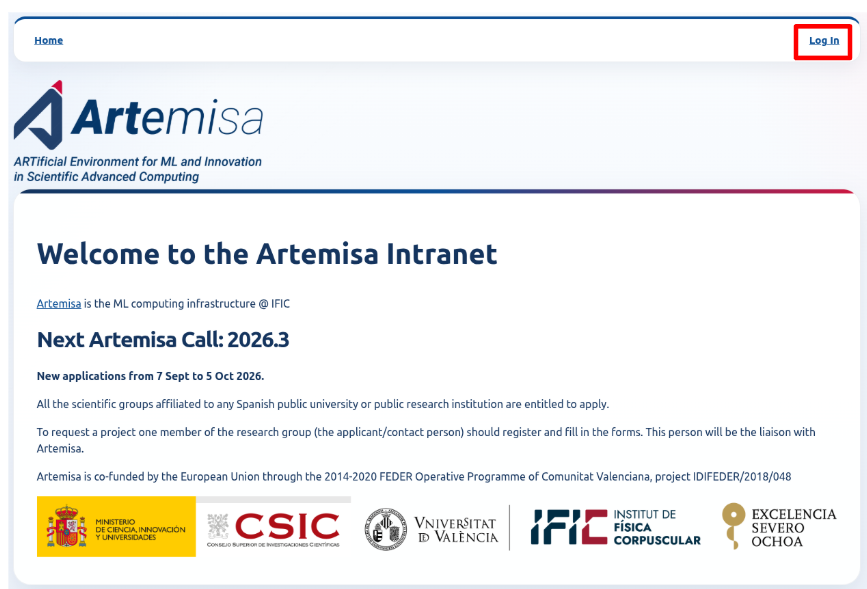
1 - First, create your ARTEMISA intranet applicant user. Click in **Log In**
then in **Register**.
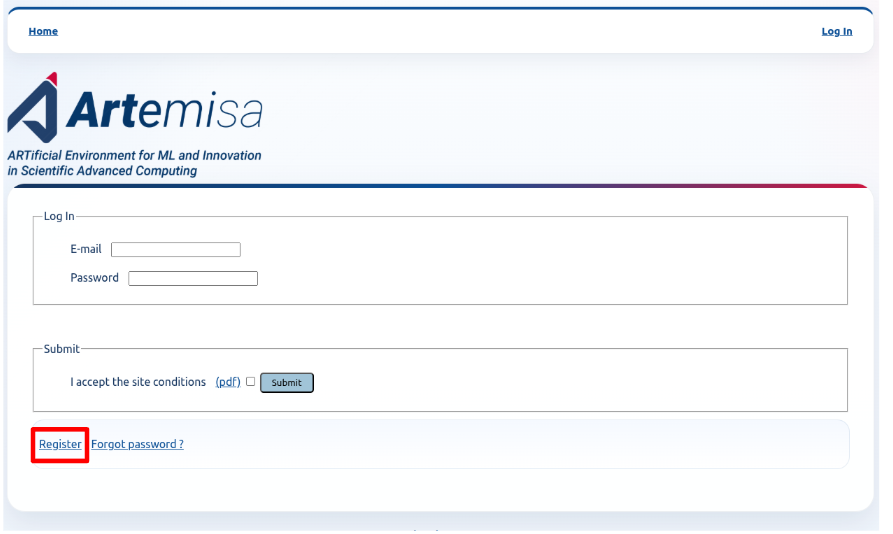
**Important:** Only the **applicant** has to register in Artemisa's Intranet.
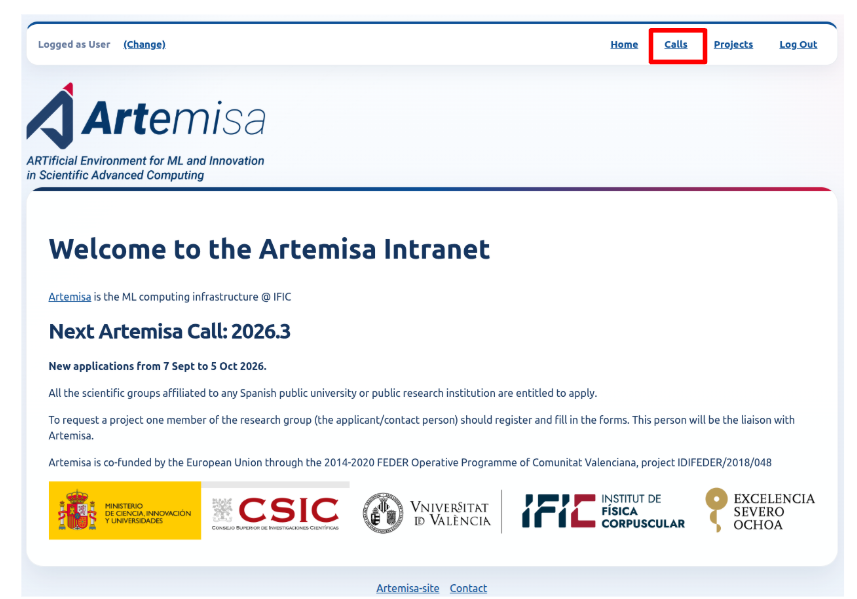
2 - Log in the [intranet](https://artemisa.ific.uv.es/int/) and enter the [Calls section](https://artemisa.ific.uv.es/int/sol/calls).
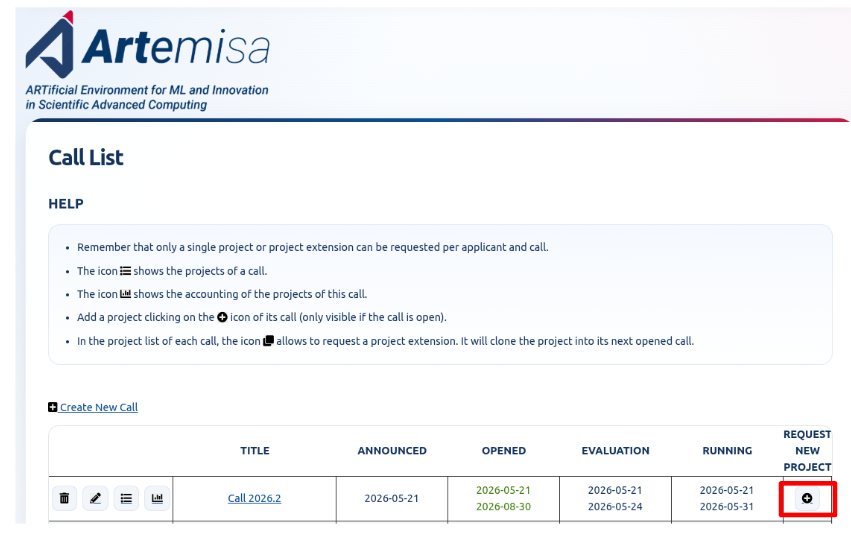
3 - If the Call is open, you should be able to create a request for a new project in the desired call clicking in this icon
4 - When the request forms are filled, access the Call's project list.

5 - In the project list, locate your project and head to the members' section:

6 - You can add members to your project through this link:
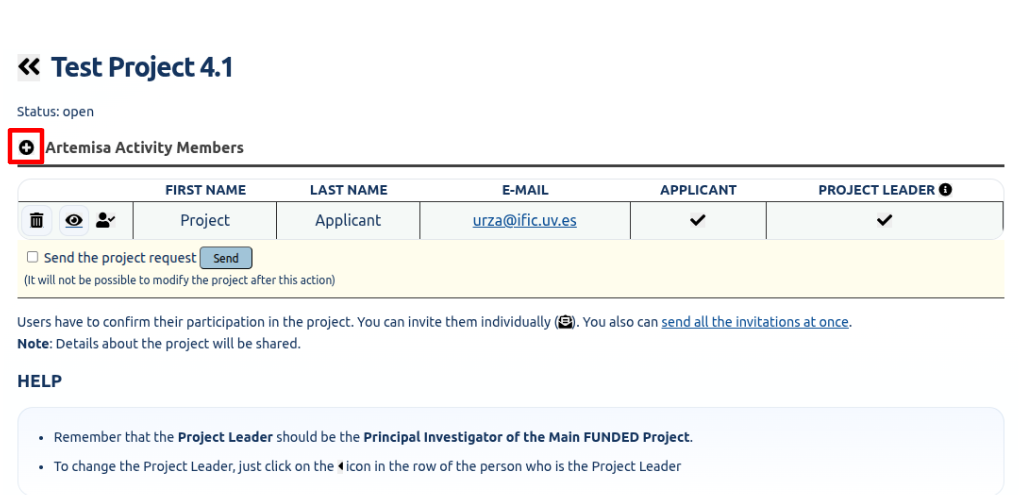
7 - When a project member is added, invitations are sent through this link:
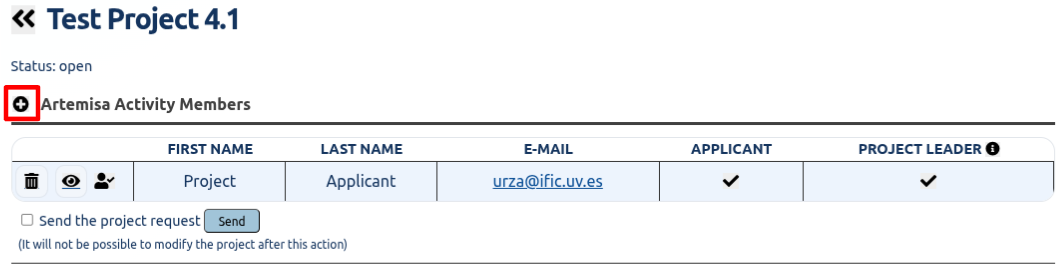
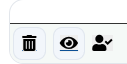
8 - When members confirm their invitation to the ARTEMISA project, their status icon changes to
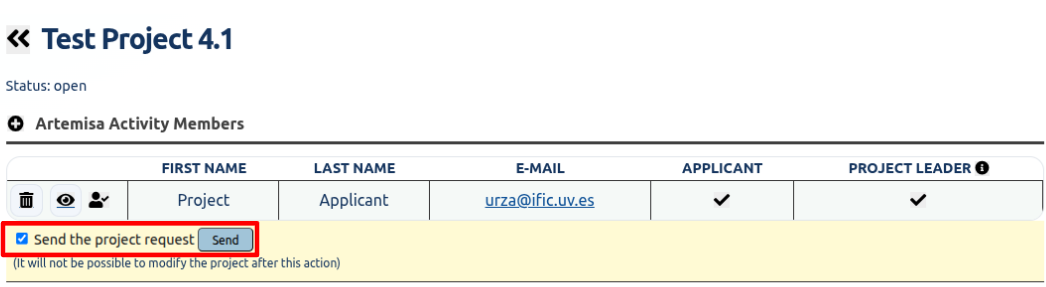
9 - Finally, the project can be sent. More members can be added after the project has been sent.
10 - If the project is accepted, the Artemisa support team will send the infrastructure credentials to the users.